



“Let’s be honest. That old iPad sitting in your drawer—it’s too slow to sell, but too precious to trash, right?
This magnetic stand turns that ‘useless tech’ into the most aesthetic object on your desk. With aluminum finish that rivals Apple’s own and the satisfying ‘snap’ of the magnets, it feels premium.
The only downside? The magnets are so strong you might need two hands to detach it. If you want to breathe new life into an old tablet for under $50, this is the answer.”
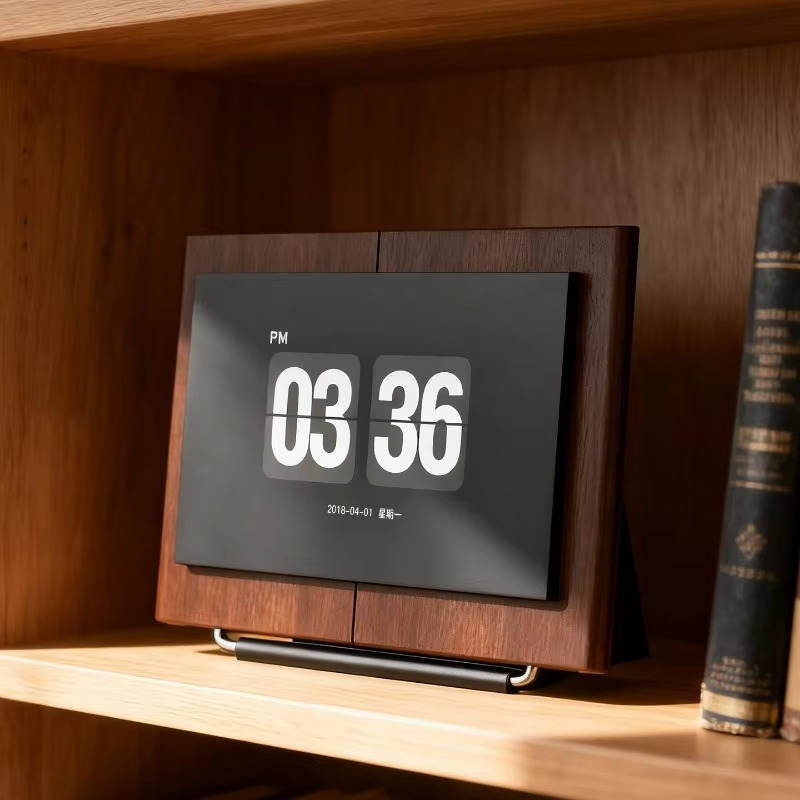
Looking for the perfect Magnetic iPad Stand to revive your old tablet? We all have that one gadget… An old iPad Air or Pro that has become too slow for heavy work but is too precious to throw away. It sits in a drawer, gathering dust.
What if I told you that you could turn that sluggish tablet into the most stylish part of your desk setup?
You don’t need new tech. You need a better way to display what you already have. Meet the Magnetic iPad Stand from AliExpress—a simple tool that transforms your old tablet into a floating “Mini iMac.”
Why You Need This Magnetic iPad Stand
Most tablet stands are ugly. They are plastic, clunky, and look like cheap kitchen accessories. But this magnetic stand is different. It uses a floating design that elevates the iPad to eye level, clearing up valuable desk space underneath.
- The Look: It mimics the design language of the Apple Pro Display XDR. Clean aluminum lines, a sturdy hinge, and zero clutter.
- The Function: It rotates 360 degrees. Portrait mode for reading code or documents, landscape mode for watching Netflix.
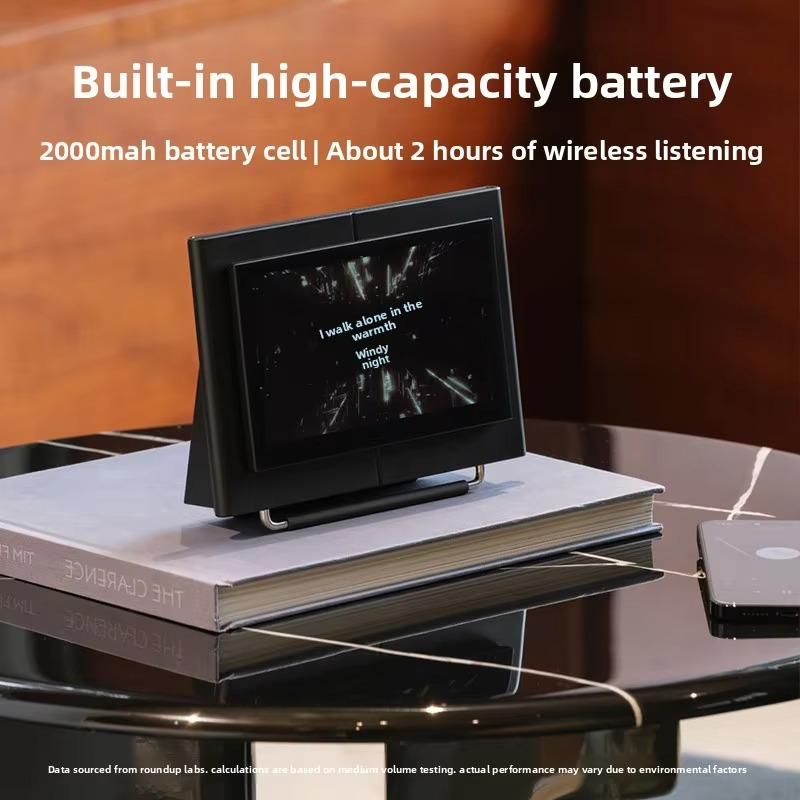
3 Ways to Repurpose Your Old iPad (Styling Tips)
Once you mount your iPad on this stand, it stops being a “slow tablet” and becomes a “dedicated smart display.” Here is how to style it:
1. The Digital Monitor
Place it next to your MacBook. Use Apple’s ‘Sidecar’ feature or apps like Duet Display. Suddenly, you have a sleek dual-monitor setup at a coffee shop or your home office.
2. The Digital Dashboard
Don’t clutter your main screen with widgets. Let your old iPad handle it. Keep your Calendar, To-Do list (Notion), or Spotify permanently open on the floating iPad. It becomes your productivity command center.
3. The Aesthetic Clock & Frame When you aren’t working, run a flip clock app (like Fliqlo) or a digital photo album. It adds a warm, dynamic element to your static desk setup.

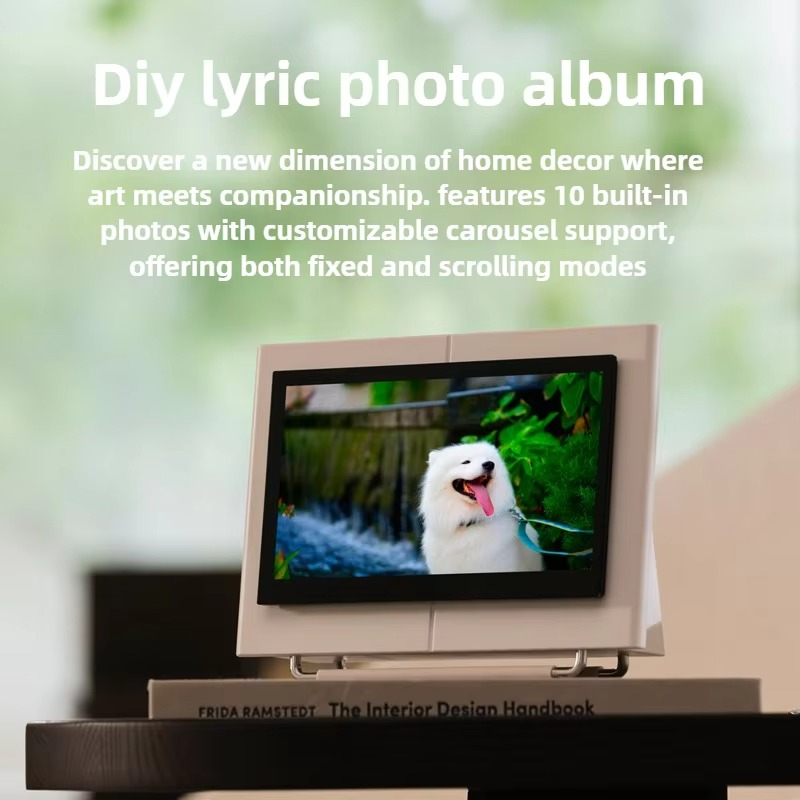
Why This magnetic iPad stand ?
I have tested dozens of stands, but I chose this one for this collection for three reasons:
- Strong Magnets: It uses N52 magnets. Once it snaps on, it doesn’t move. You can tap the screen without it wobbling.
- Premium Hinge: The hinge is stiff (in a good way). It holds its angle perfectly, even with heavy 12.9-inch models.
- Cable Management: It has a neat hole in the back for your charging cable, keeping your setup minimalist and clean.

💸 The Smart Choice: Budget vs. Quality
Similar stands from premium brands (like Lululook or Pitaka) cost upwards of $80 to $100. This AliExpress find offers 95% of the build quality for less than half the price.
If you want the “Apple aesthetic” without the “Apple tax,” this is the smartest investment you can make for your desk today.
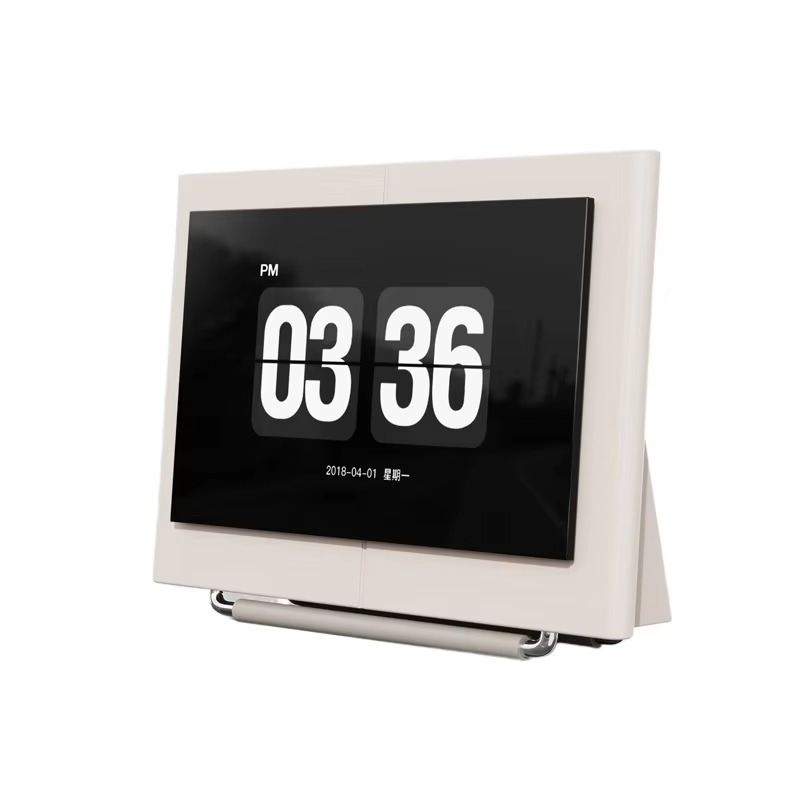
Stop letting your tech gather dust. Elevate it.
👉 [Get the Magnetic iPad Stand on AliExpress]

